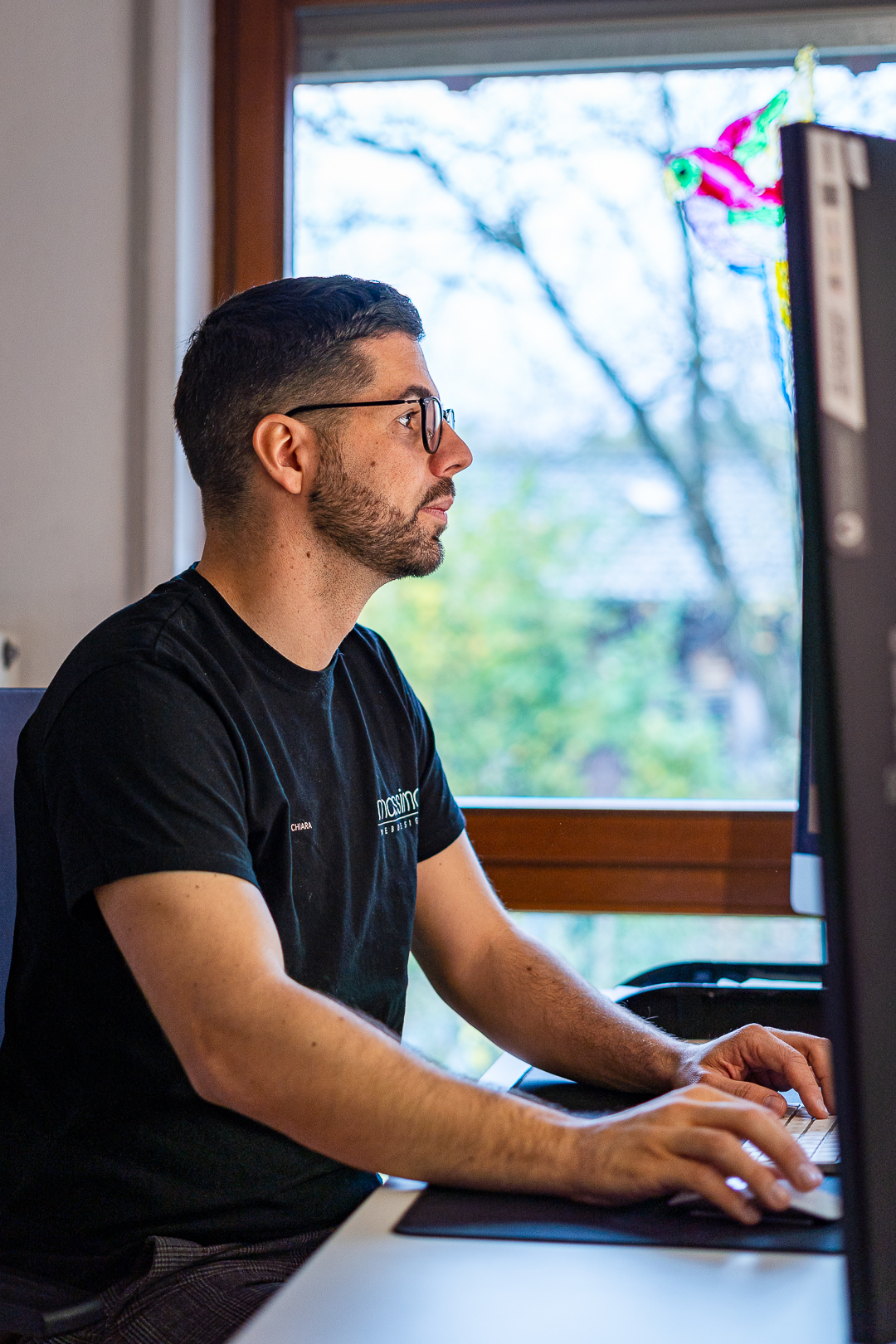
 vi3ecoding Team
By Massimo Di Chiara, founder of Vi3ecoding — 11+ years in web, 100+ client projects shipped.
Building a website used to mean wrestling with templates, hosting, and code. In 2026, the workflow looks completely different. You describe what you want, an AI helps you structure it, and a builder ships it for you.
ChatGPT is the strategist. The AI builder is the developer. You are the editor. When those three roles work together, you can ship a professional website in an afternoon.
Related reading from vi3ecoding:
- What Is Vibe Coding, Really?
- The Lovable AI Builder Guide
- Context Engineering: The Skill That Separates Good AI Builders From Great Ones
This guide walks through the exact process I use at Vi3ecoding — using ChatGPT as your strategist and copywriter, and a modern AI builder as your designer and developer.
Why ChatGPT changes website building
Most people don't get stuck on building a website. They get stuck on deciding what to put on it. ChatGPT is excellent at exactly that: turning a vague idea into a clear structure, headline, and message.
Use it to:
- Clarify your audience and offer
- Generate a sitemap and page outlines
- Write headlines, intros, and CTAs
- Rewrite messy copy into something tight
- Generate a meta title, description, and OG snippets for every page
What it isn't great at: visual design decisions, technical stack choices, or knowing what your brand sounds like. Those are still on you. ChatGPT proposes — you decide.
What you need before you start
A short checklist that saves hours later:
- A one-sentence description of who the site is for.
- A clear single outcome (sale, lead, booking, sign-up).
- Three things that make you credible (clients, numbers, awards).
- A rough sense of tone (warm, technical, irreverent, premium).
- A domain name, or a working title you can change later.
Skip the part where you "design the homepage" first. Decide the message first; the design follows.
Step 1: Define the website brief
Open ChatGPT and start with one prompt:
I want to build a website for [audience] that helps them [outcome]. Ask me 5 questions to clarify the brief before writing anything.
Answer the questions honestly. Don't skip this — the quality of every later step depends on it. The point of the questions isn't to give ChatGPT information. It's to force you to be honest about what you actually want.
What a good brief contains
- The single audience you're targeting
- The outcome they want
- The action you want them to take
- Three proof points
- Tone of voice (e.g. confident, warm, technical)
Save the brief in a doc. You'll paste it back into every prompt that follows.
Step 2: Generate the structure
Once the brief is solid, ask:
Based on this brief, propose a 5-page sitemap with the goal of each page and the key sections inside it.
You'll get something like Home, About, Services, Case Studies, Contact — each broken into the sections it needs. Push back on anything generic. If ChatGPT proposes a "Features" page for a service business, ask for a "What you get" page instead.
A small rule that saves rewrites later: never let a page have more than one job. If a page is doing two jobs, split it into two pages.
Step 3: Write the copy
For each page, ask ChatGPT to draft the copy section by section. Always include:
- The brief from Step 1
- The page goal
- The section name
- Word count limit
Tight constraints produce better copy than open-ended prompts. "Write a 60-word hero headline and subhead for the homepage, targeting [audience], focused on [outcome]" will outperform "write a homepage" every time.
When the first draft comes back, do not accept it. Run a second pass with this exact prompt:
Rewrite this copy. Cut every word that doesn't earn its place. No metaphors, no clichés, no "in today's fast-paced world." Founder voice. Short sentences.
You'll get something usable. Edit by hand until it sounds like you, not like an AI.
Step 4: Build the site
This is where an AI website builder takes over. Paste your structure and copy in, and the builder turns it into a real, responsive website. No templates, no theme shopping.
I use Lovable for almost every client project. It writes real React code, ships with proper SEO defaults, and treats Supabase as a first-class backend if you ever need auth or a database.
What to look for in a builder
- Real responsive design, not just "mobile preview"
- Proper SEO output (meta, sitemap, structured data)
- Editable after generation (you own the code)
- Fast hosting included
- An honest export path if you outgrow it
Avoid any builder that hides the code behind a paywall. The point of AI building is leverage, not lock-in.
Step 5: Polish and launch
Before publishing, do a 10-minute review:
- Read every headline out loud. If you stumble, rewrite.
- Click every button on mobile. Half of all visits will be on a phone.
- Check that meta titles (<60 chars) and descriptions (<160 chars) exist on every page.
- Make sure your primary CTA is on every page, above the fold and at the bottom.
- Run a Lighthouse pass. Anything under 90 on mobile performance, fix it.
Then ship. You can always iterate — and with AI, iteration takes minutes, not days.
What ChatGPT can't do (and you have to)
A blunt list, because most guides skip this:
- Decide what makes you different. ChatGPT will write a generic positioning every time.
- Take a real screenshot of a real client result. Stock images destroy trust.
- Reply to the inbound leads the site generates.
- Make the brutal cut from 30 sections down to the 6 the site actually needs.
The AI is a force multiplier on judgment. It is not a substitute for it.
Common mistakes to avoid
- Skipping the brief. Generic input → generic site.
- Asking AI for a "beautiful website" with no direction. Be specific about the audience and the action.
- Writing in isolation. Always paste prior context back into the prompt.
- Letting ChatGPT name things. Product names, section labels, and CTAs need a human ear.
- Publishing without analytics. Add Plausible or GA4 before you launch, not three weeks after.
A real example: a one-day site for a coaching client
Brief in the morning. Sitemap by lunch. Copy drafted in the afternoon. Built and shipped on Lovable that evening. Total time, including revisions: about seven focused hours.
The client had quoted out the same project to two agencies the year before. Both came back with six-week timelines and four-figure invoices. Same outcome, 1/30th of the time, same quality bar.
That's the gap AI builders close in 2026. Not because they're magic — because the bottleneck moved from typing to thinking.
The bottom line
ChatGPT is the strategist. The AI builder is the developer. You are the editor. When those three roles work together, you can ship a professional website in an afternoon — and spend the saved time on the part that actually compounds: getting customers.